

Gemini Adds In-Browser Document and PDF Editing Features
Gemini users can now generate, edit, and preview various file types, including documents, PDFs, presentations, and spreadsheets, directly within the Gemini interface using a full-screen editor.
What changed?
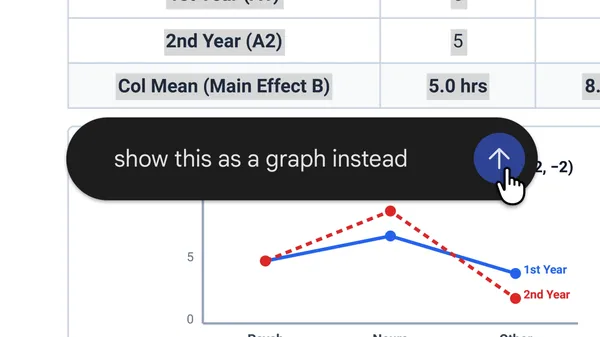
Gemini now allows users to generate, edit, and preview file types such as documents, PDFs, presentations, and spreadsheets directly in its user interface. The release also includes a new full-screen editor for file refinement.
Why does it matter to an everyday developer?
Developers using Gemini to build or automate workflows involving document creation or manipulation can now handle these tasks entirely within the Gemini environment. This eliminates the need to move between separate applications or services for file editing, simplifying development, prototyping, and user experience flows related to documents, PDFs, and presentations.
What can the developer do now?
Developers can immediately generate, open, edit, and preview office-style files in Gemini, using the full-screen editor for real-time refinement. This enables rapid document prototyping, dynamic content creation, and seamless user experiences that require file manipulation within Gemini's interface.
